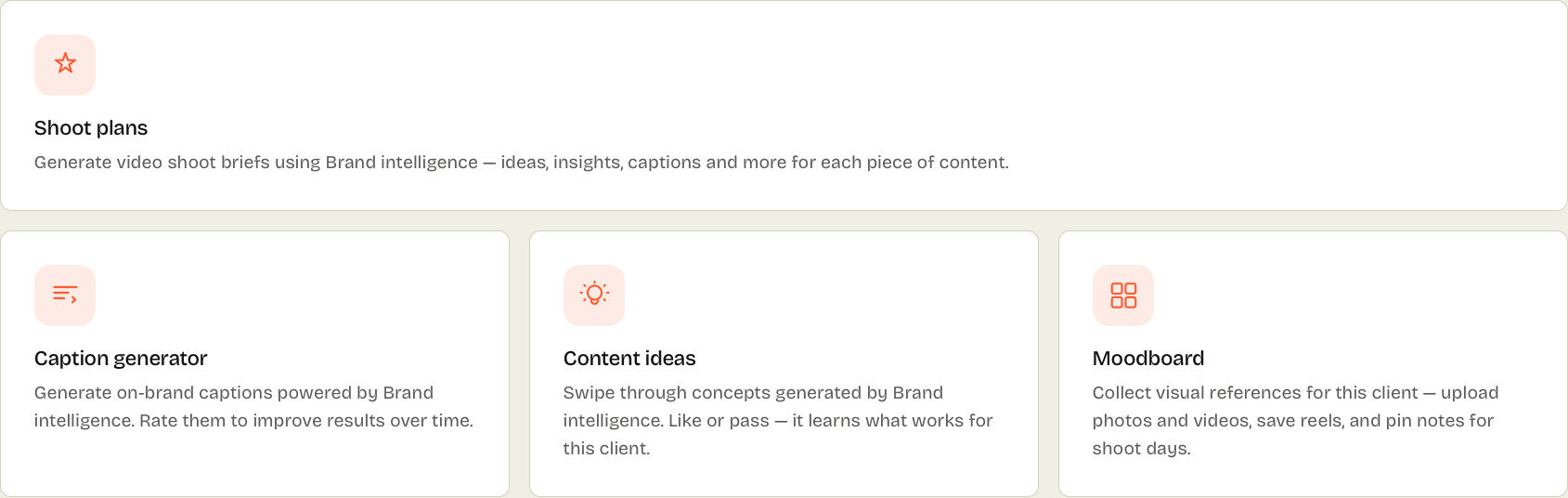
A map of the Create section: shoot plans, captions, ideas, moodboards, media and the brand profile that feeds them.
The Create section of the client sidebar is where you plan shoots, write captions, find ideas and keep the files and references for each client. Everything here is per client, so open the client first.
Where to find it
Under Create in the client sidebar you'll see two items:
Content creation, which opens to four cards and has four sub-items underneath: Shoot plans, Captions, Ideas and Moodboard.
Media, the client's media library.
Click Content creation to see the cards (Shoot plans, Caption generator, Content ideas and Moodboard), or jump straight to a sub-item in the sidebar.
How the AI knows the client
Captions, shoot plans, ideas and inbox replies are written by what Koda calls Brand intelligence. It reads the client's Brand tab (under Setup in the client sidebar) before it writes: the brand memory, the profile details, example captions and any brand documents you've uploaded. The better that tab is filled in, the more each draft sounds like the client.
Brand intelligence also learns as you work. Star ratings on captions, edits you make to AI drafts and the posts you publish all feed back into the client's brand memory.